Beneath
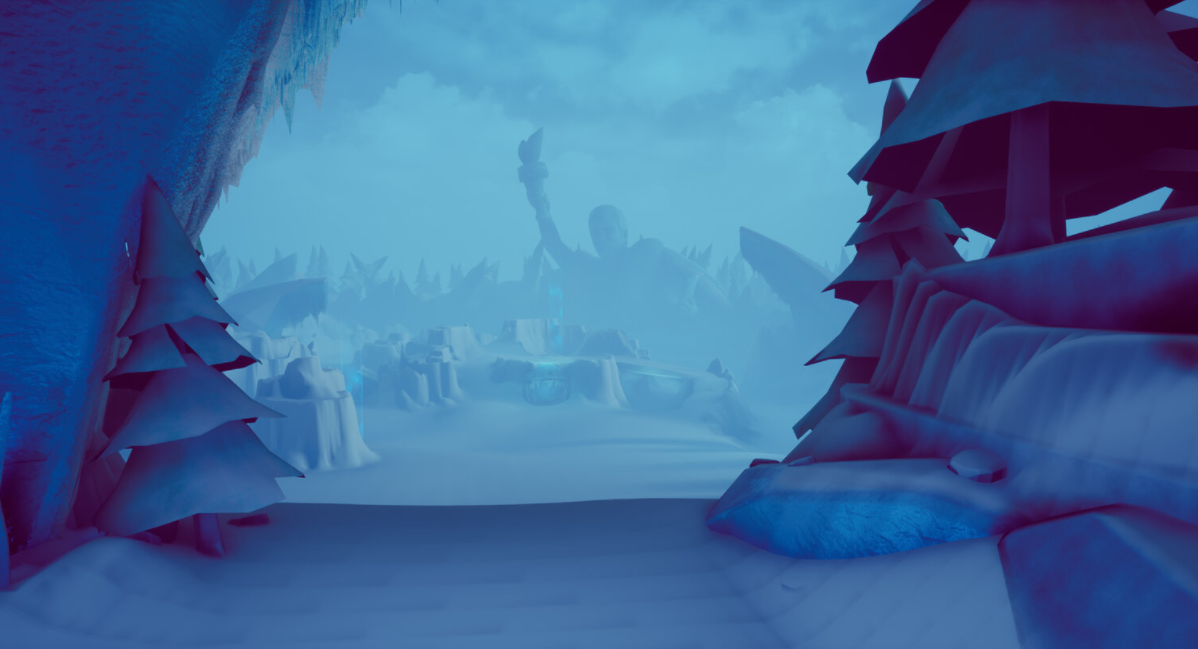
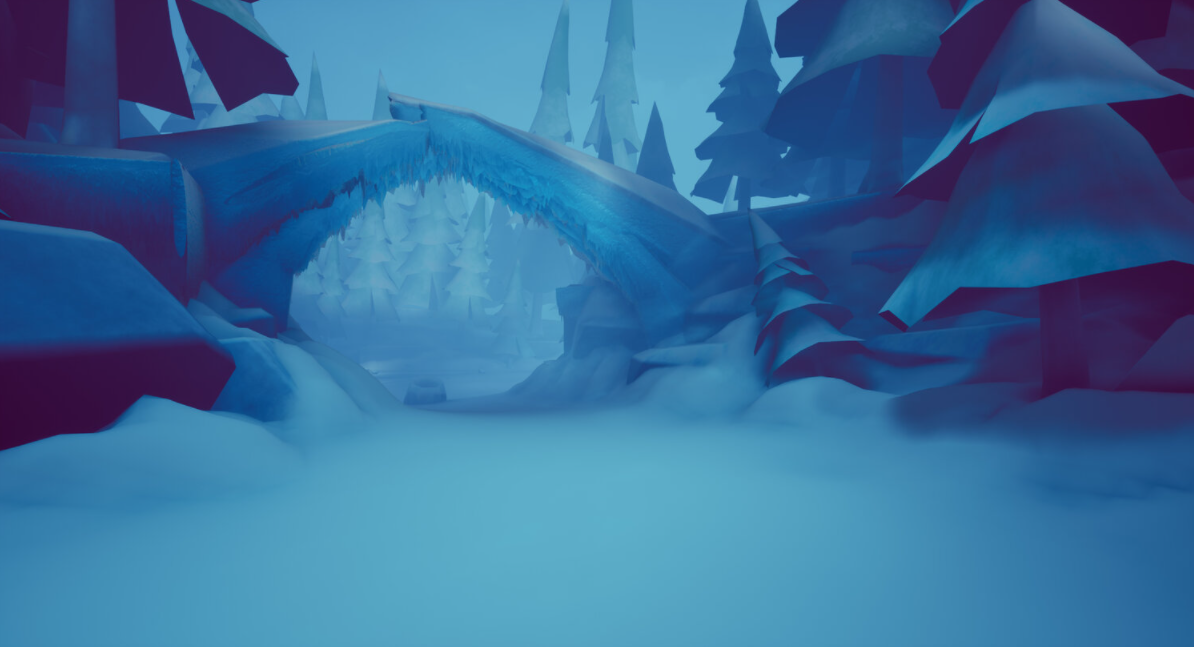
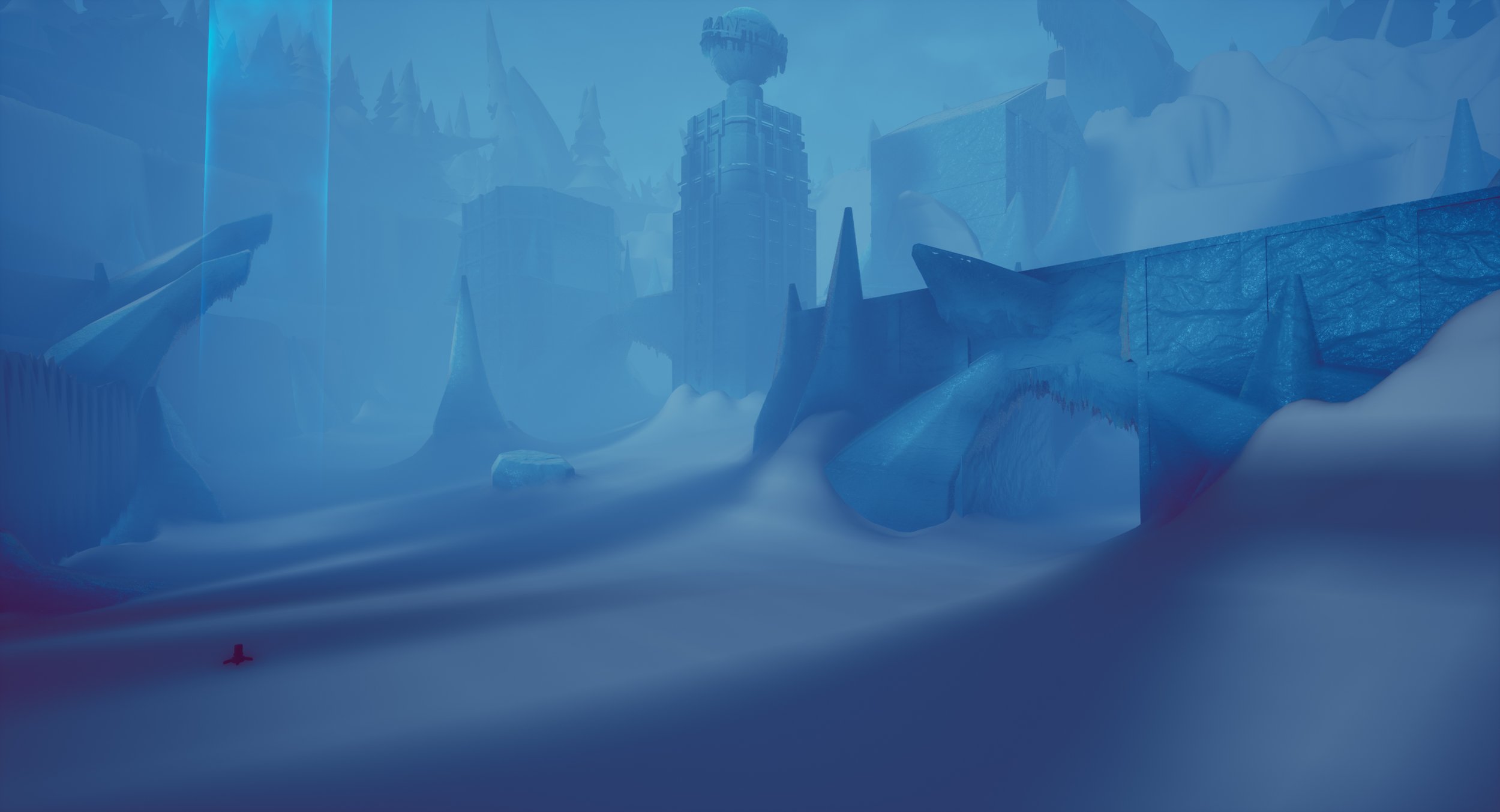
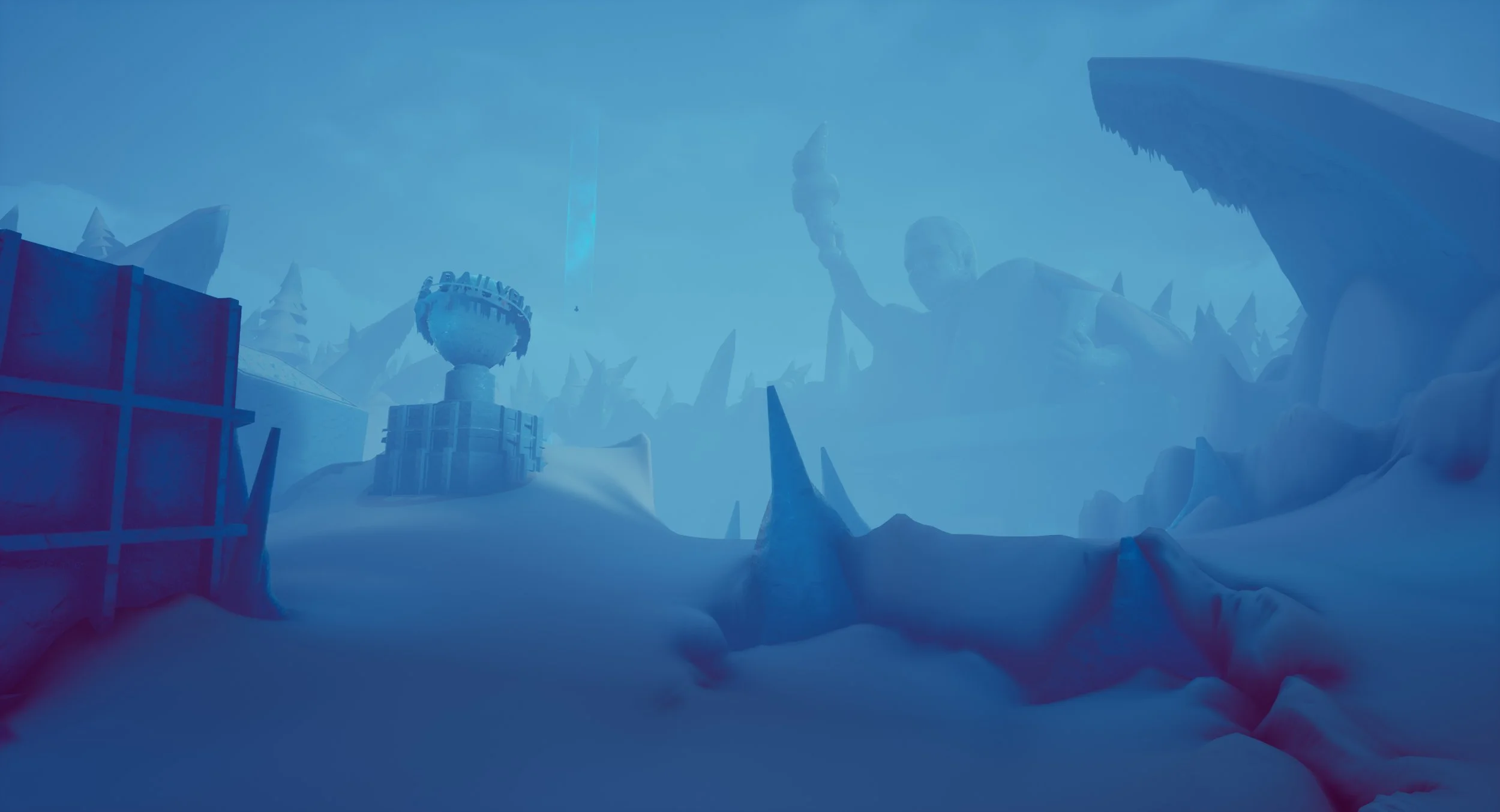
Beneath is a sandbox exploration game about discovering an area that has been lost due to heavy snowfall. You play as the explorer and its your job to uncover whats hidden beneath the snow and ice. This idea was focused on building an atmospheric, immersive experience for the player.
After finishing work on Nan Turismo, the team and I focused on looking for a new idea and project to work on. Around this time Epic Games announced their Unreal Spring Jam for 2020 and we decided to participate. Once we found out the theme, we each went through what interests we had in relation to game development. Personally, I wanted to try designing a sandbox game where the player is given mechanics and abilities that they can use to navigate the environment but they aren’t limited in how they complete the objective.
Development Info
Project: 2020 Epic Mega Jam
Start Date: December 2020
Team Size: 5
Role: Group Lead, 3D Artist, Producer
Project Length: 1 Week
Software Used: Unreal Engine 4, Maya, Zbrush, Substance Painter/Designer, Photoshop
Role/Responsibilities
I wanted to step up my character work for this project and it was going to require animations due to the 3rd person nature of the game. So I set that as my personal project for this game jam and I ended up also creating environmental pieces for the game too. This is the project that I put in the most effort into sculpting my models with Zbrush rather than hard surface modelling in Maya.
I also designed how this game would play, putting in a ton of feedback for game feel when we were able to get the game to a prototype stage.
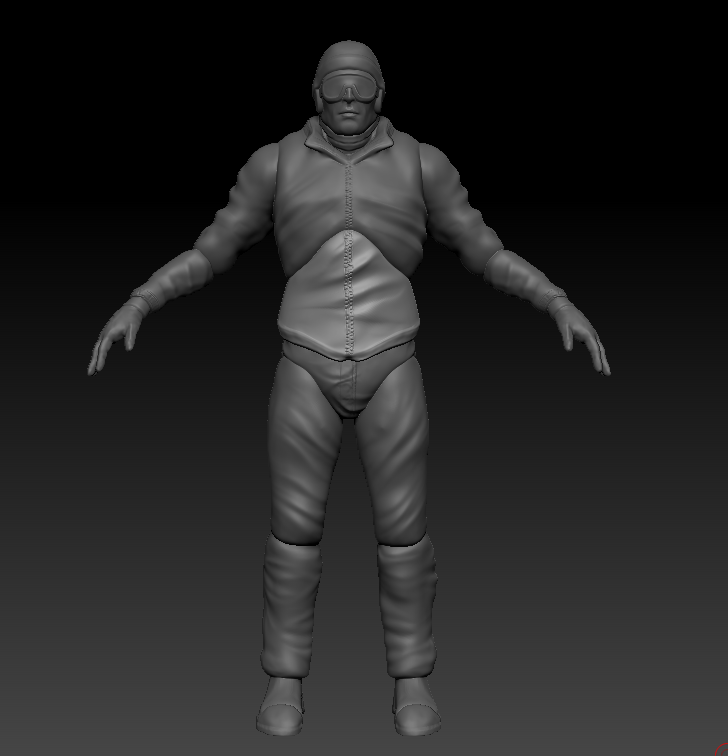
For this character model I didn’t think that I’d have the time to practice my rigging to implement animations for integration with Unreal Engine. Instead I exported the mannequin from the game engine into Zbrush and sculpted individual pieces of the character to fit around the mannequin. Which is already rigged to use animations in Unreal.
When this was done I helped the Blueprinter to assign and attach the individual pieces to the mannequin and apply a texture filter to the model in game. This way when hunting for animations I could just export them into Unreal and put them straight to work through the existing mannequin rigging.
I also went back and modelled extra equipment for this character including the snowboard and a Death Stranding like shoulder light that subtly pointed the player towards their current objective if they were paying attention.
What Went Right
Learned a new technique for rapidly creating a playable character that looks good.
The game came together pretty quickly on the design front. We had a set goal on how we wanted the game to go and we’d learned lessons in scope creep from Life As We Know It.
The game was dripping with atmosphere and it was fun to be able to snowboard around at a casual pace.
What Went Wrong
Our primary environment artist had just gotten into a relationship as the jam started and didn’t want to put much more time into it. Causing a few of us to step up to take over his share of work.
What I Learned
New modelling techniques and easy pipeline to getting a ready character model for a prototyped game.
A simple design, if its good, doesn’t require quantity for a game to shine. Keeping the scope low for this one and applying some consistent polish throughout made this one of my favourite games to work on.